
Fixers
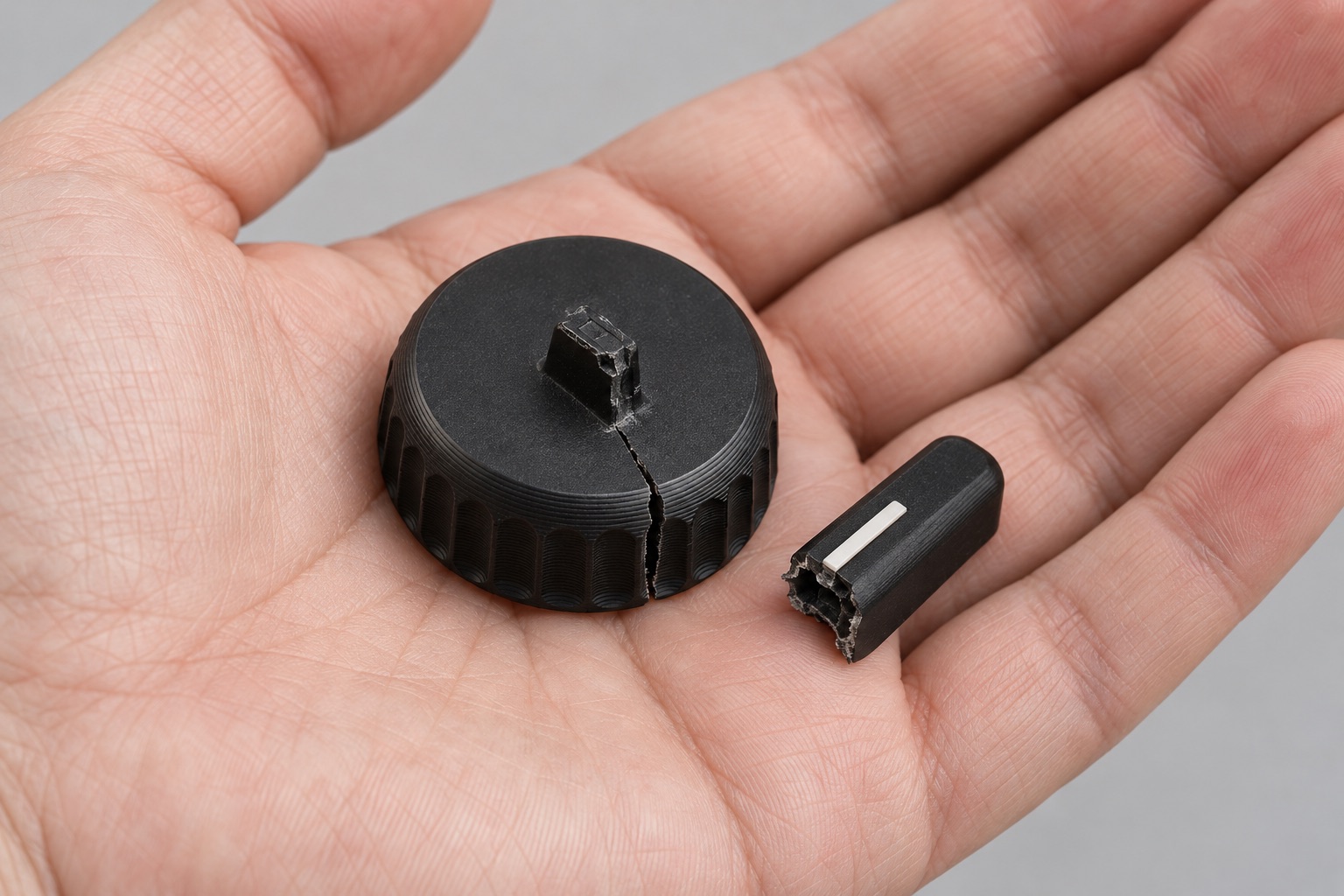
Fix what broke.
A photo and two measurements. A knob that fits.
From toys to real engineering.
Free in your browser. No sign-up to start.
Easy for toys. Precise for real engineering.
Fixers
A photo and two measurements. A knob that fits.
Toy makers
Joints that print in place.
Builders
Holes, rounds, exact sizes.
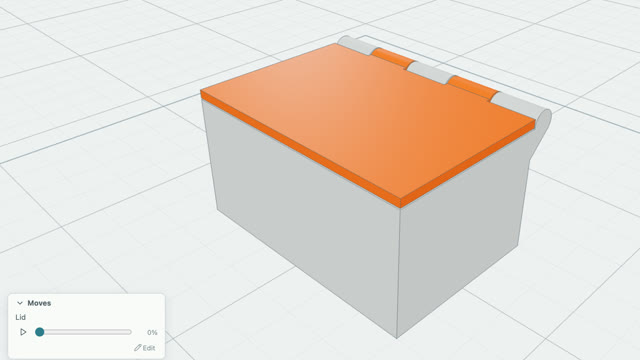
Parents and kids
Step-by-step videos, from a first part.
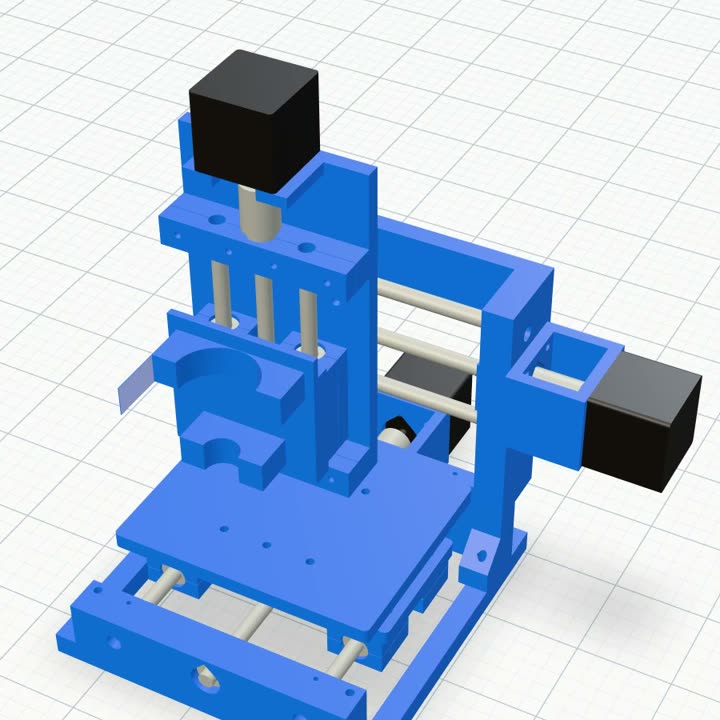
Engineers
Edit and reorder every step.
Sharers
Share with a free account. Anyone can open it.
Print it
It catches the fail before your printer does: parts that collide as they move, walls too thin for your nozzle, a better way up.
Opens inBambu StudioOrcaSlicerCura
Learn it
Short videos, from your first part to parts that move. Then design with AI.
Your first part
Holes and smooth edges
Soft shapes with Blob
Parts that move
Fix it
A photo and two measurements is all it needs.
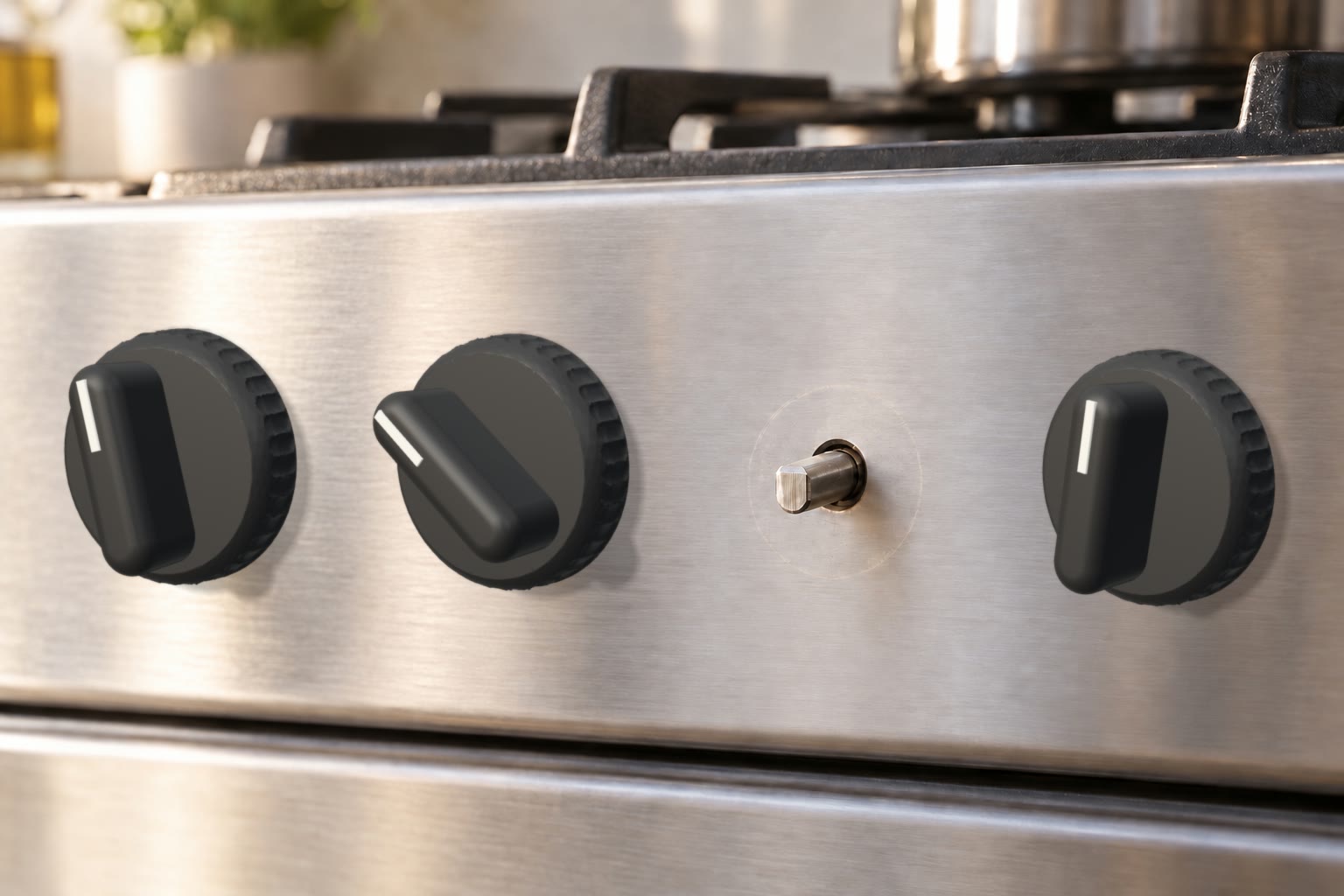
Knob’s missing. Shaft 6.2 mm, flat 4.8 mm.
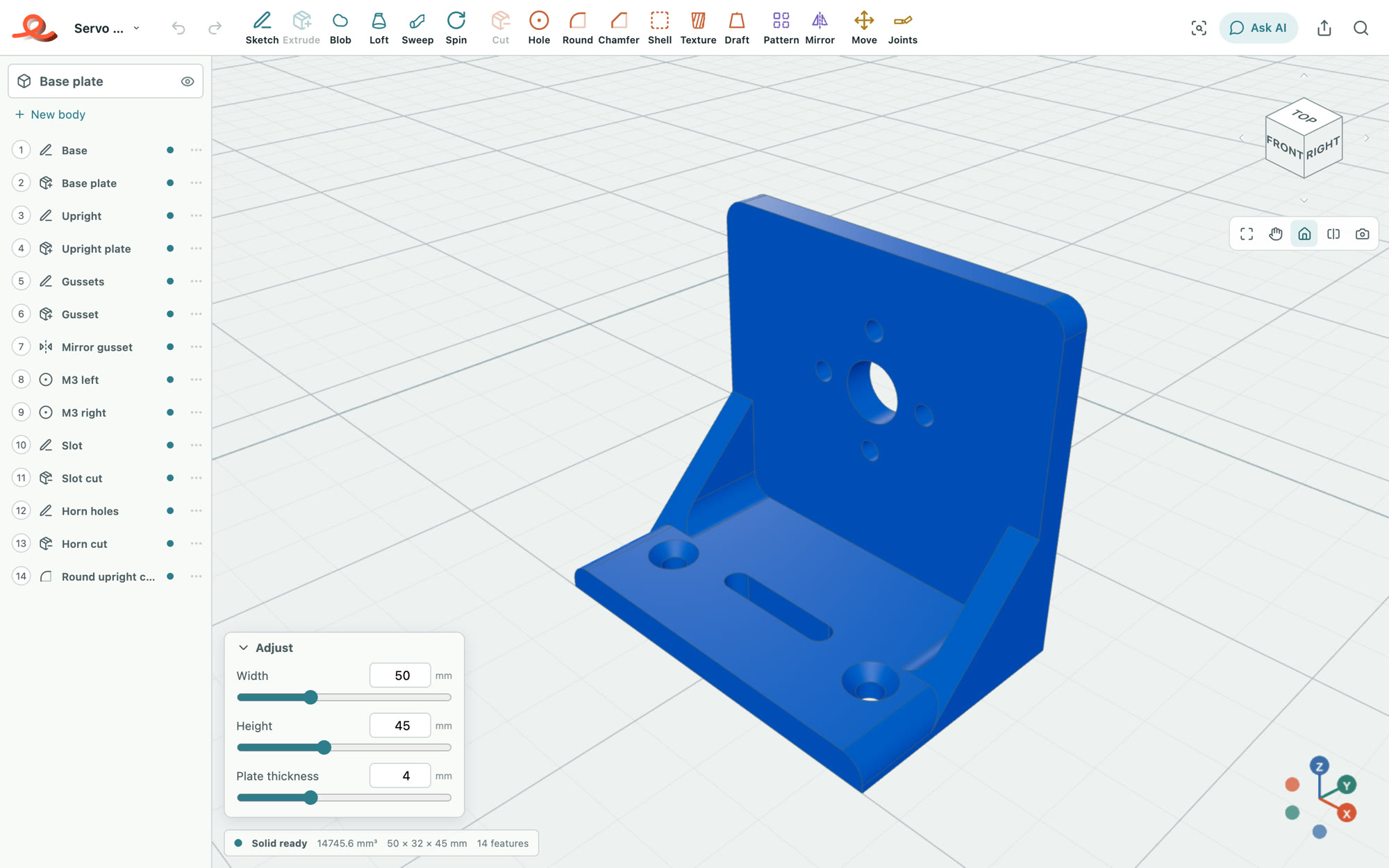
Every measurement is a slider. Get it to fit, then print.
Adjust
Build it
Your sketch, or an old drawing from the files.
Say what’s wrong. It changes the model, not just the picture.
Prefer your own AI? Claude, ChatGPT and other MCP apps can build in Extrudle too. How
Make the holes 0.3 mm bigger.
Make it dance
Shape a creature from soft blobs, draw a line along it, and joints follow its shape. They print in place.
Post it
Printed layer by layer, then dancing on the beat.
Plans
Design, check and print without signing up. Sign up free to keep your work and learn from the chat. Get Maker and the AI builds it for you, or Pro for plenty of it.
£0
£4/monthor £36 a year, save 25%
Or £99 once, for lifeFirst 500 only
£12/monthor £108 a year, save 25%
Questions
Free if you want a full design tool for personal and hobby use, and to learn to design things yourself, with a chat that shows you how. It's free forever.
Maker if you'd like the AI to build things for you (£2 of it each month), your designs kept private, to sell what you make, or to design with your own AI (Claude, ChatGPT and others) as much as you like. Pay monthly, or pay once for life: Lifetime is for the first 500 only.
Pro if you'd rather design mostly with the AI built in: £12 of it each month, and Ultrafast.
It shows you how to make things yourself: the plan, then each step and the buttons to click. Ask what's wrong with your model and it looks and says what to change. It doesn't build for you: on Maker and Pro, the AI does.
It depends on the design. What the AI built in charged to make these:
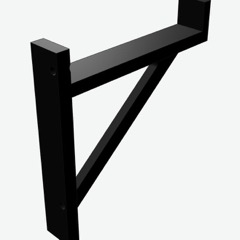 A shelf bracketabout £0.10
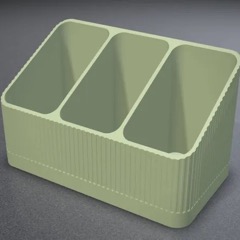 A remote caddyabout £0.10
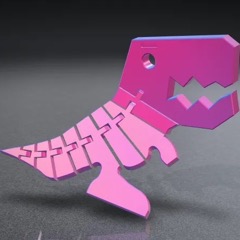 A flexible T. rexabout £0.20
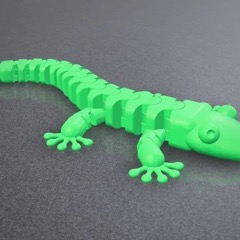 A flexible geckoabout £0.25
So Maker's monthly AI makes about 20 designs like the bracket or 8 like the gecko, and Pro's about 100 or 50. Changes you ask for afterwards, higher reasoning and Ultrafast use more. Each reply shows what it cost.
The month's AI starts again each month. When you need more, top up £5 at a time on Maker or Pro; top-ups are kept until spent.
On Maker, yes: connect Claude, ChatGPT, Claude Code or Cursor to your open Extrudle tab (Connect your AI… in the project menu). It builds in the app with the same tools as the AI built in, as much as you like, and your own AI's plan pays for its thinking.
ChatGPT needs Plus or above; Claude's free plan allows one connector, but its limits run out quickly. A plan of about $20 or £18 a month, such as Claude Pro or ChatGPT Plus, is plenty to start. Right now Claude Opus 5.5 and GPT-6.1 Sol work about equally well; medium reasoning suits most designs, higher for big designs with many parts.
Not to start: design, check and export without signing up. Saving, sharing and the AI need a free account, which keeps 10 projects online, on any device; Maker and Pro keep as many as you like.
Anyone can design without an account. Accounts are for 13 and over; younger children use Extrudle with a parent.
On Maker and Pro, yes. On a free account we may feature designs you save. Designs saved while on Maker stay private even if you stop.
On Maker and Pro, yes: prints, the files, or products made with them. A free account is for personal use.
Any. Export 3MF, STL or STEP for your slicer (Bambu Studio, PrusaSlicer, Cura and the rest). Import STL, 3MF and STEP models, and SVG or DXF drawings.
Everything in Maker, for good, including its AI each month, for one payment. It's for the first 500 only.
Your plan runs to the end of what you've paid for, then you're on a free account. Your projects stay, and top-ups can still be spent for 30 days.